

Create a New Script
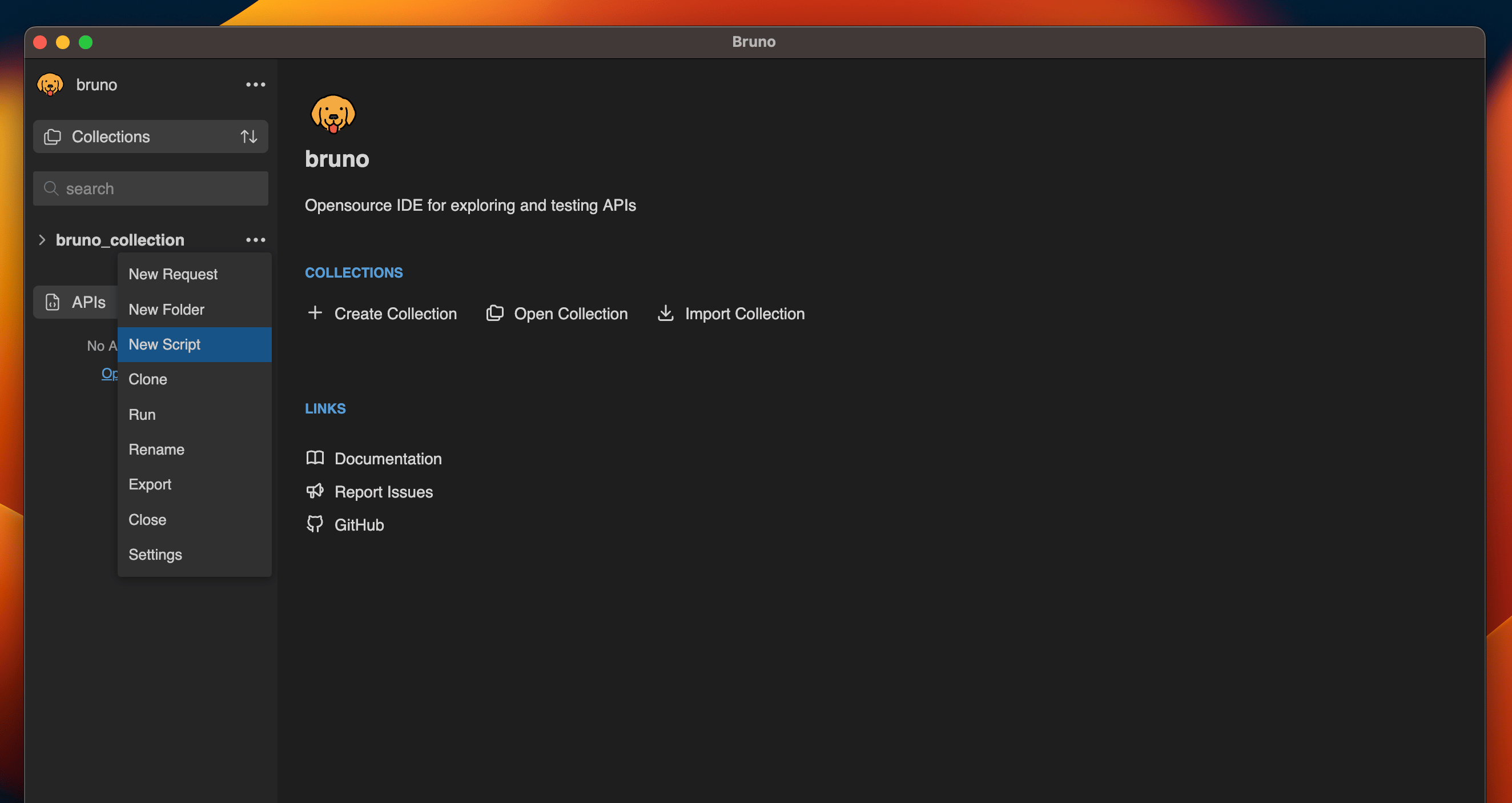
You can generate a JS File by:- Right clicking on any collection or folder
- Select
New Scriptfrom dropdown.
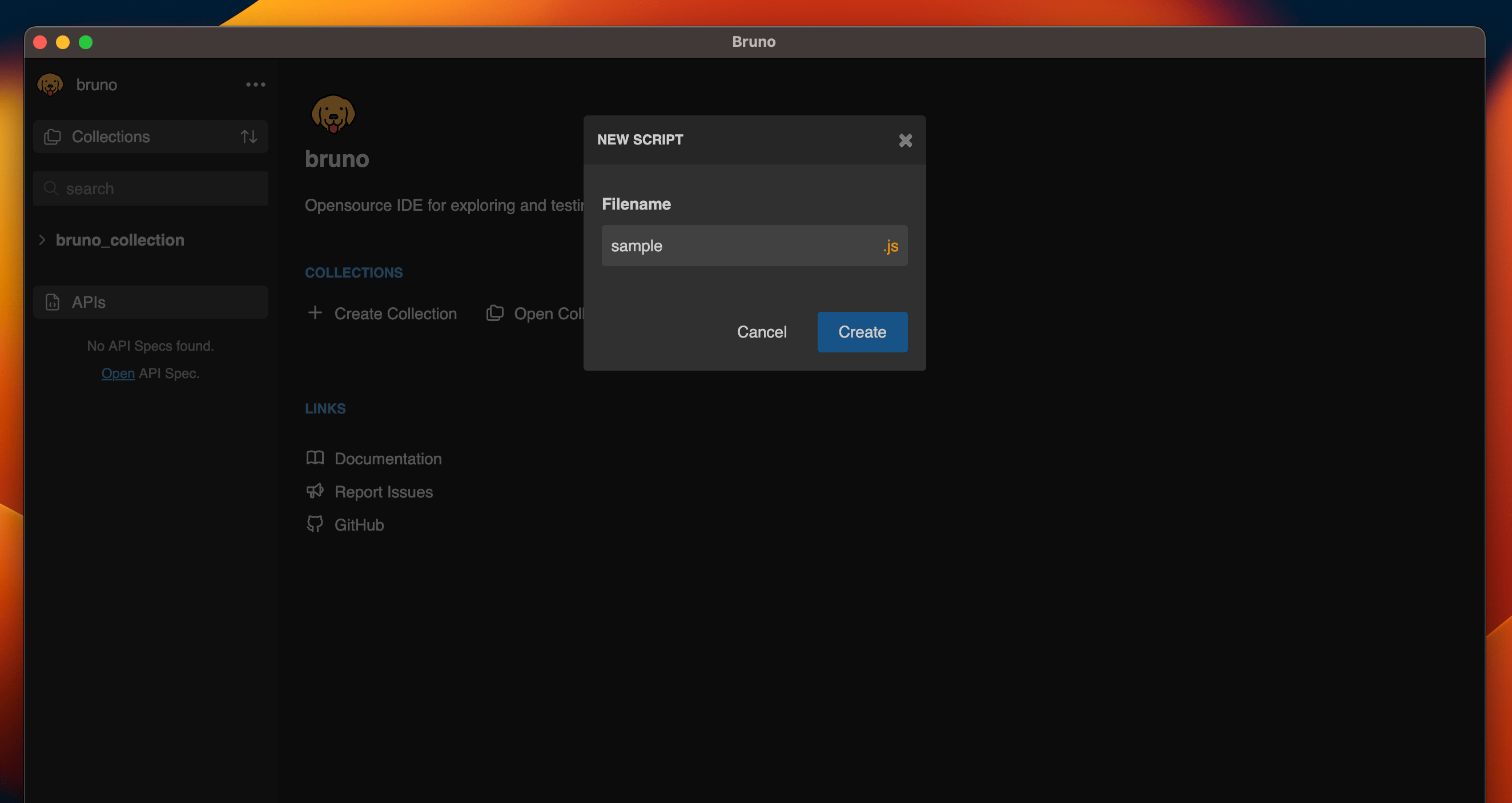
- Enter name and select Create
Import the Function(s)
Once your JS File has been created, you can now import the functions into anyScript tab across your resources.
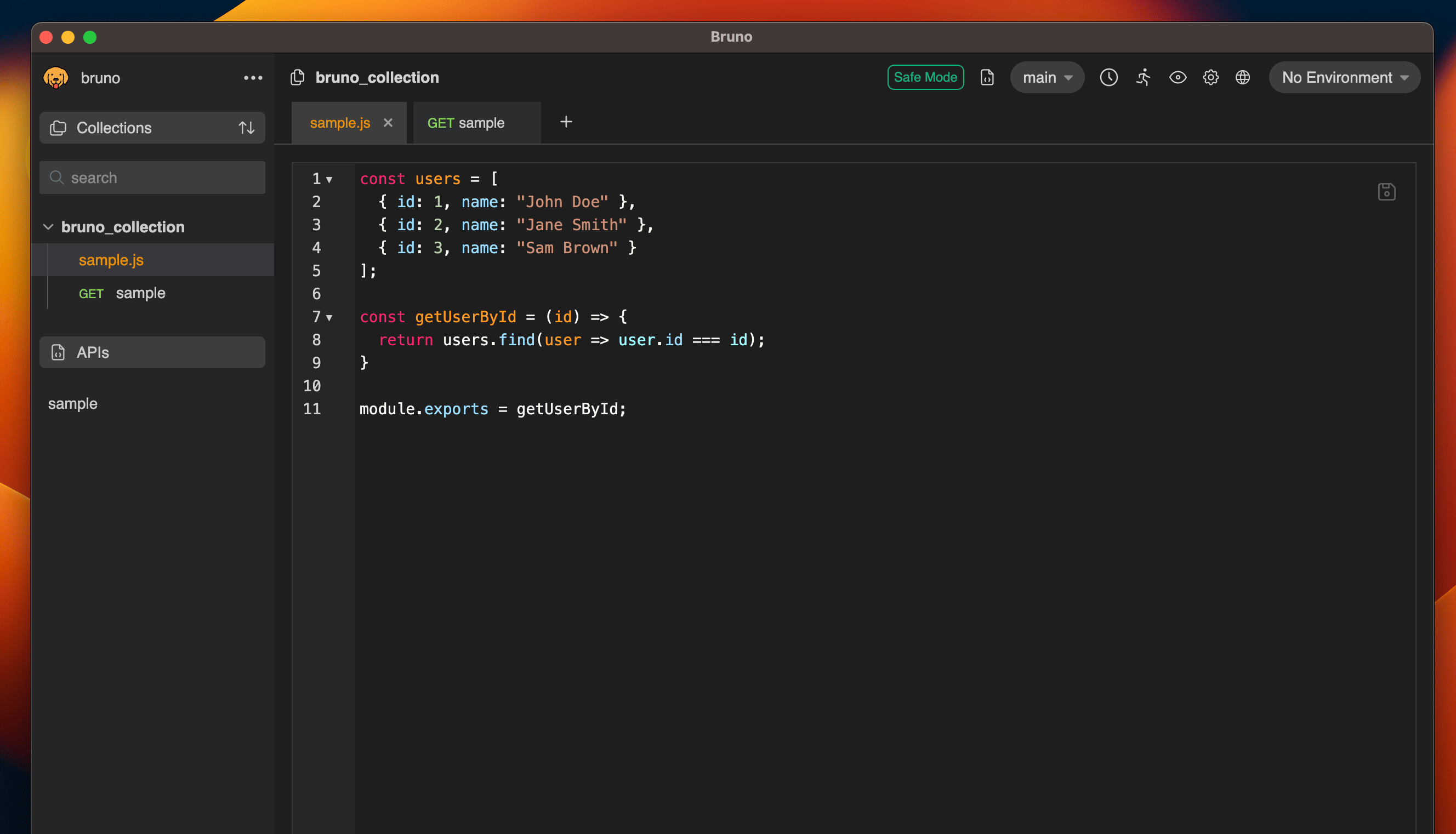
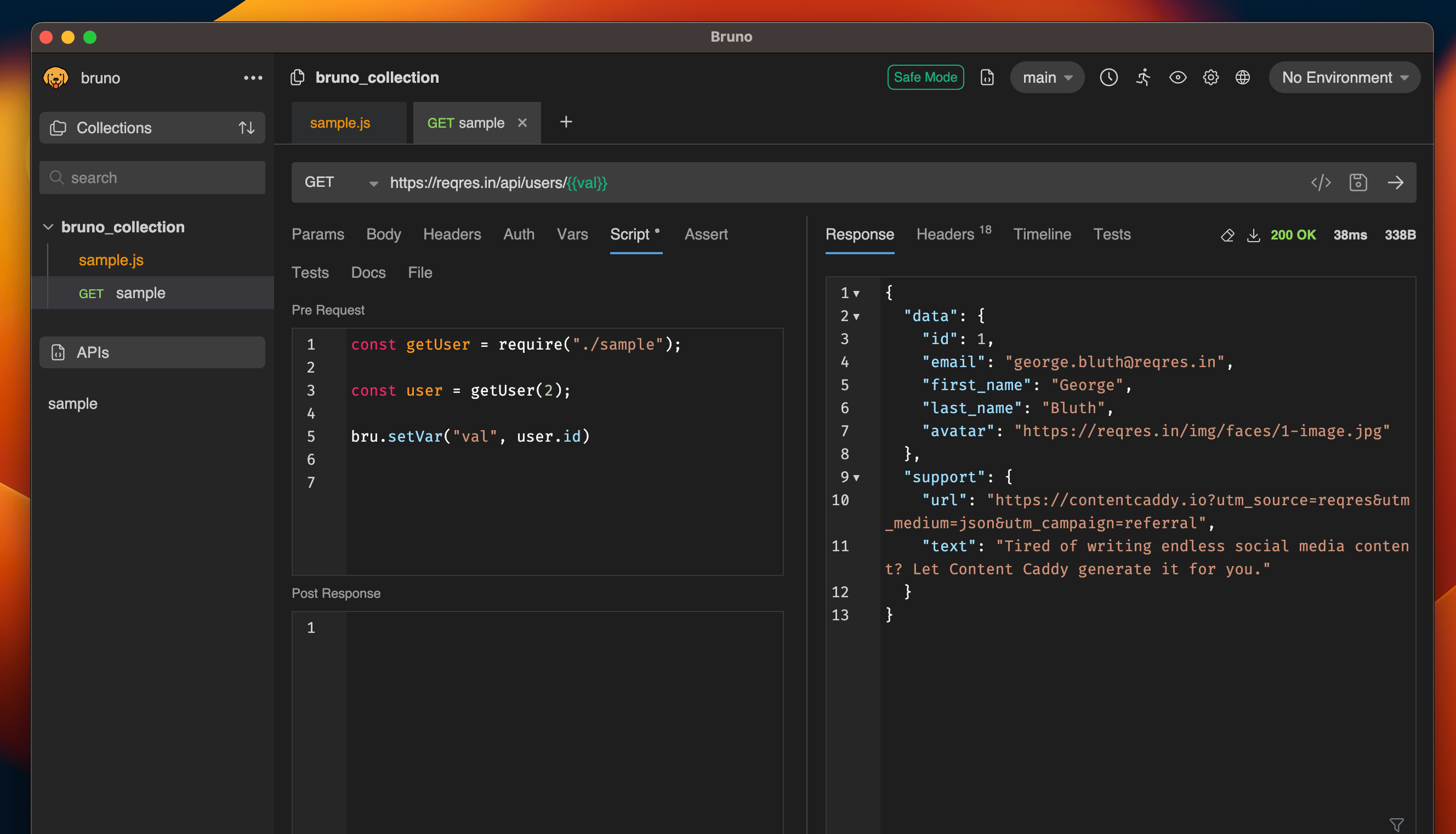
getUserByIdfinds and returns a user object from the users array based on the provided id.bru.setVar()sets thevalvariable to the id of the fetched user.- In the url
{{val}}is replaced with value (e.g., 2), resulting inhttps://reqres.in/api/users/2.
Sharing Scripts Across Collections
TheadditionalContextRoots feature in Bruno allows you to share scripts across multiple collections, eliminating code duplication and promoting better code organization. This is particularly useful when you have common utility functions or shared logic that you want to use across different collections.
How to Use
1. Create a Shared Scripts Directory
First, create a directory to store your shared scripts. This can be anywhere in your project structure, but it’s common to place it at the root level of your project.2. Configure bruno.json
In each collection’sbruno.json file, add the additionalContextRoots configuration under the scripts object:
3. Create Shared Scripts
Create your shared scripts in the specified directory. For example:shared-scripts/utils.js: